 SUN
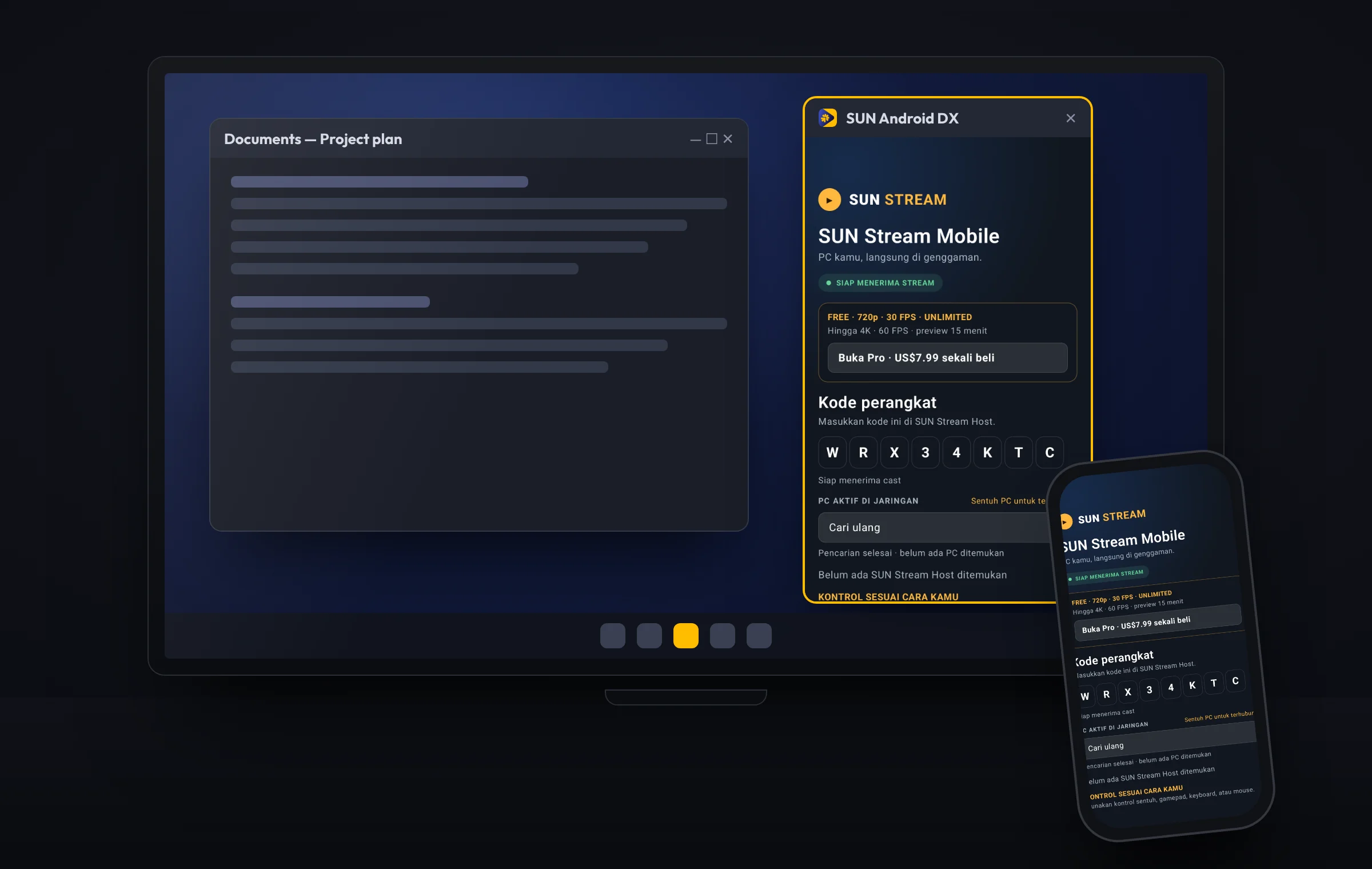
SUN Android DX
Bring your Android experience to your Windows desktop. Availability depends on the Android device and connection mode.
SUN Stream
Bring your PC, Android and favorite screens together. Play on the big screen, present to the room, or make more space for work.
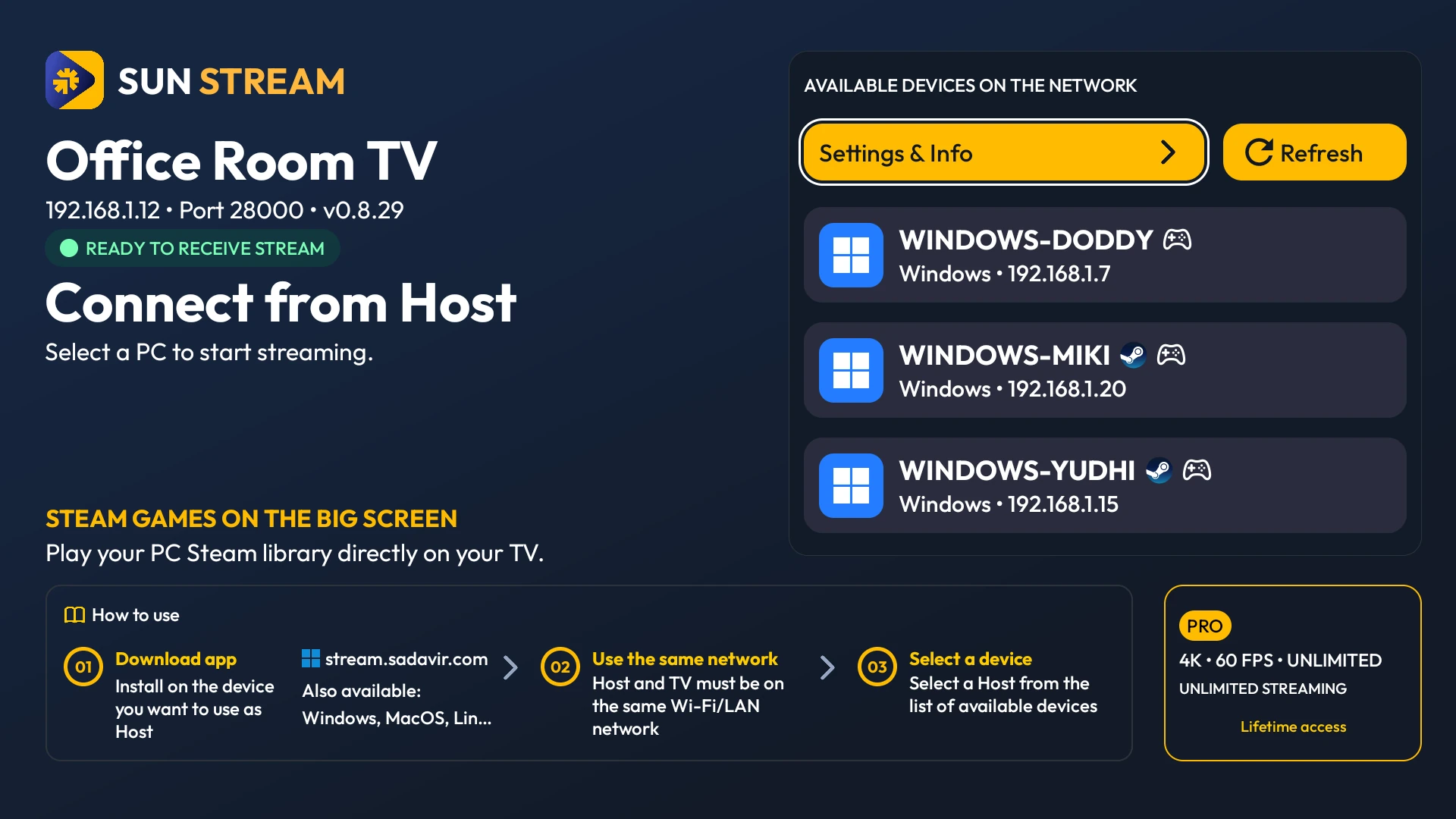
One app on your PC. Every screen in the house becomes a place to play, present, watch and work.
SUN Stream Host on your PC. SUN Stream on your TV, phone or tablet.
Put both on the same Wi-Fi. Ethernet on the PC is even smoother.
Pick your PC from the list on your screen, grab your controller and start.
Gaming
Stream your Steam library from your PC. Play on the big screen with your controller, or pick up a tablet and use touch controls.
Work
Open a SUN Stream session and your whole PC appears on the other screen. Browse, write and code full screen, with your keyboard and mouse.
Bring your Android experience to your Windows desktop. Availability depends on the Android device and connection mode.
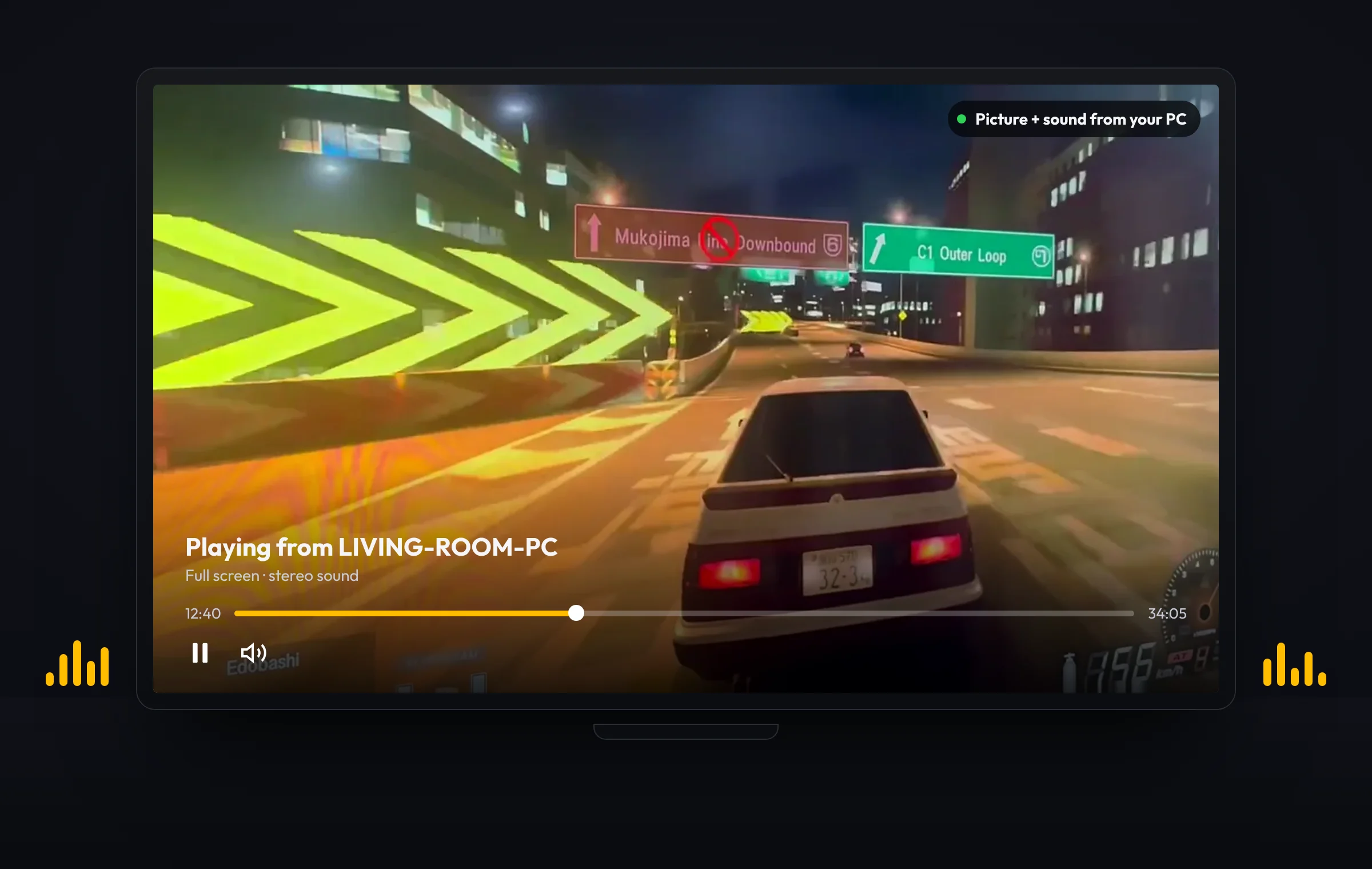
Bring your PC's picture and sound to a compatible screen. Your media, with more room to enjoy it.
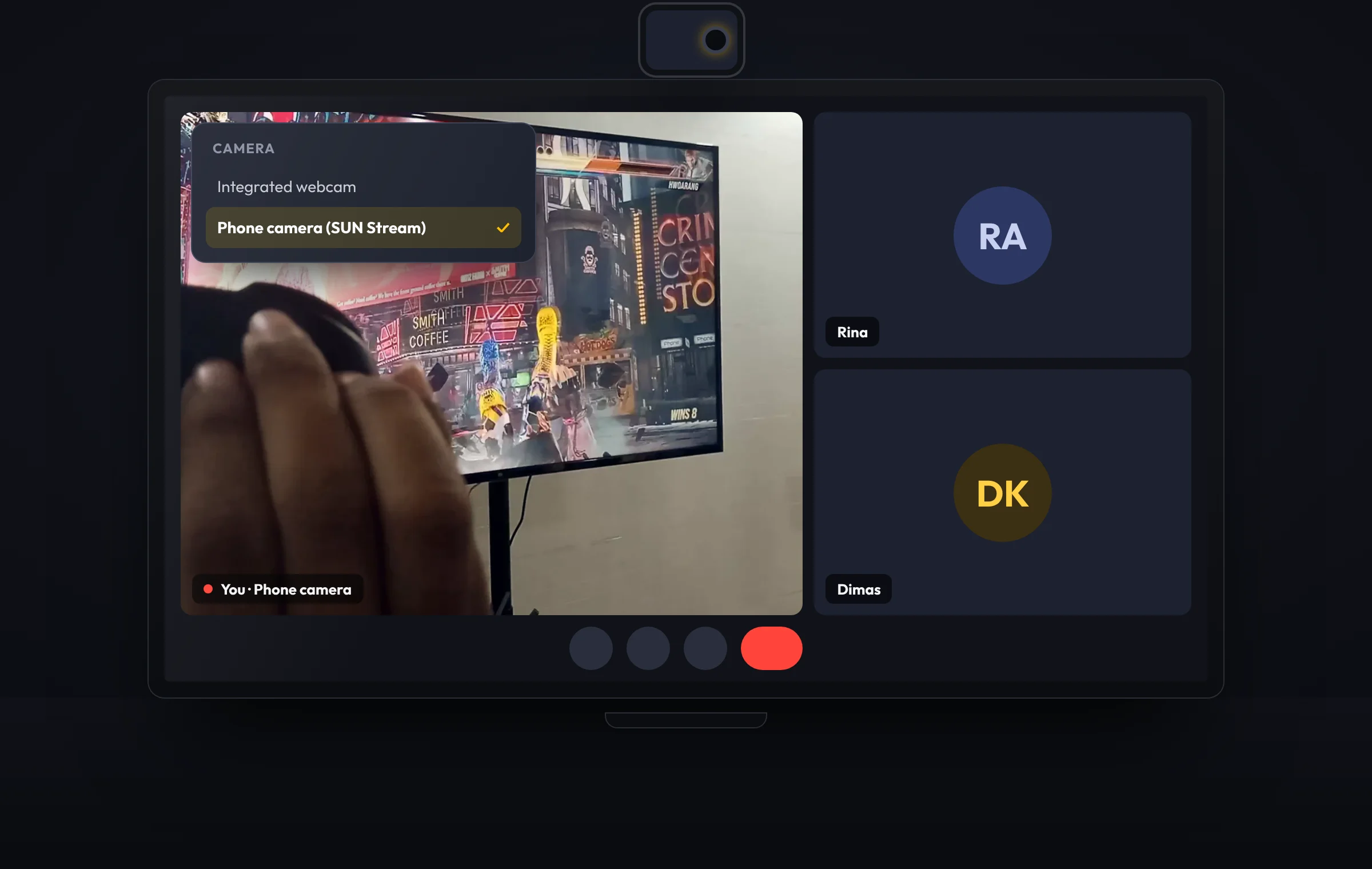
Use your phone camera with the Windows virtual camera, in compatible devices and applications.
Illustrations of SUN Stream in use. Screens are simplified.
Free
720p
Pro · lifetime
US$7.99
Two free apps: one for your PC, one for your screen.
Android
Direct links: Windows .exe · macOS .dmg · Linux installer · Linux .deb
Email customer@sadavir.com or get the app on Google Play.
No. Besides gaming, you can share your PC display and audio for presentations or media, use SUN Android DX on Windows, and use your phone camera with the Windows virtual camera.
Yes. Free streams at 720p and 30 FPS with no time limit. Pro unlocks up to 4K at 60 FPS for a one-time US$7.99 with lifetime access, and you can preview 4K for 15 minutes.
Yes. Put your PC and your screen on the same Wi-Fi or LAN. For the smoothest stream, plug the PC in with Ethernet and use 5 GHz Wi-Fi on the screen.
Pair your controller with the TV, phone or tablet you use. On Windows, games see it as a normal controller. Keyboard, mouse and touch work too.
Windows (x64), macOS on Apple Silicon, or Ubuntu / Debian Linux (amd64). Hardware encoding works with compatible NVIDIA, AMD and Intel graphics.